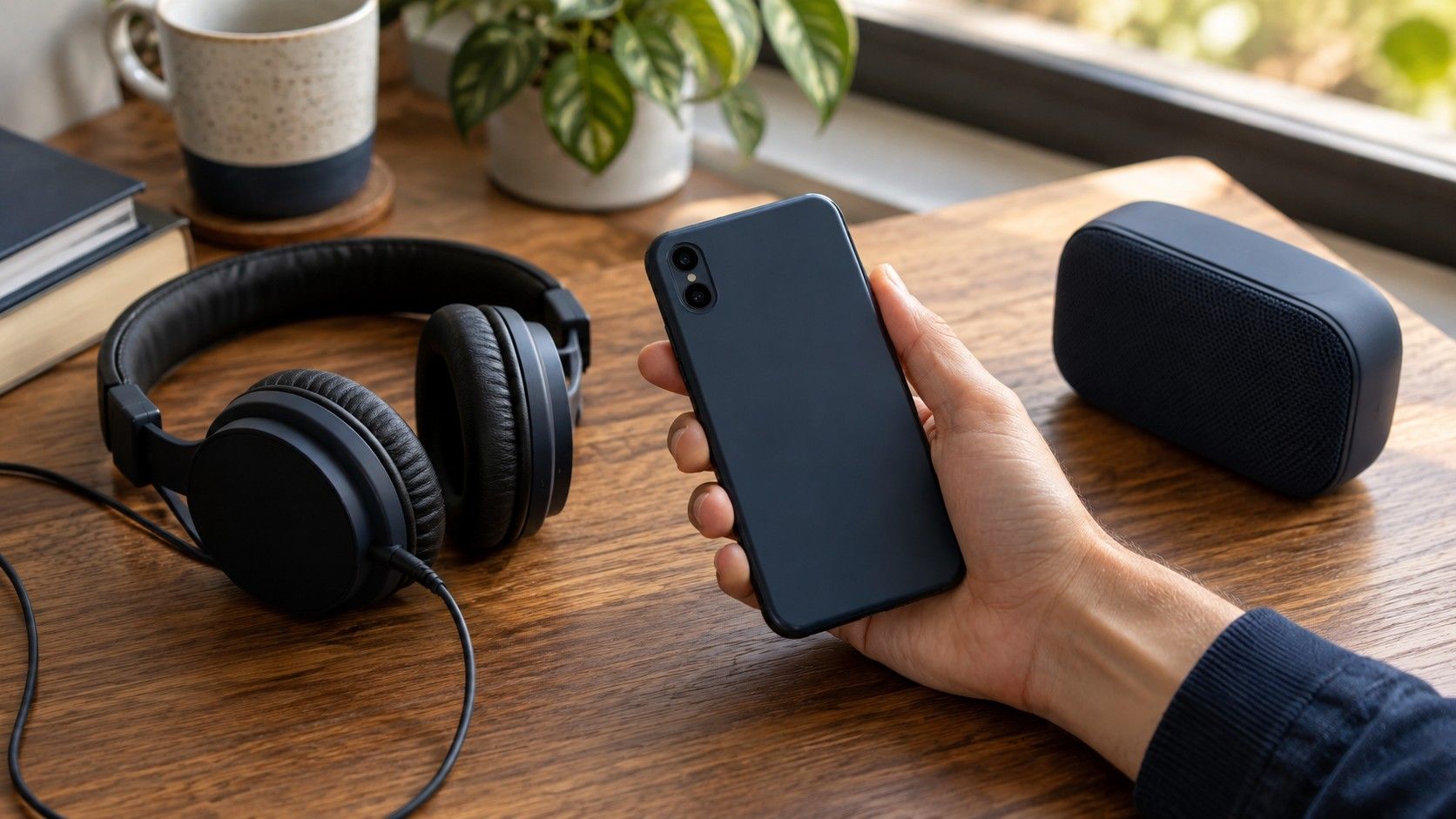
A phone is useful for checking whether a repaired vocal remains clear in ordinary playback. It is also an easy place to compare the wrong files: a message preview instead of the master, a louder export instead of a better repair, or two versions played through different processing. Keep the comparison controlled enough that the phone reveals a practical problem rather than creating one.
Transfer two versions that differ only in the repair
Export the original and repaired passage using the same format, sample rate and channel layout. Keep the start, end and duration identical. If one file includes two seconds of lead-in and the other begins on the vocal, switching between them becomes a timing exercise instead of a sound comparison. Include enough of the surrounding music to hear the repair settle into the song.
Use clear filenames such as song-original and song-repair-02. Store both in the same local folder on the phone, with the version number intact. Similar thumbnails and shortened filenames can make it surprisingly easy to replay the same export twice. Check the filename, duration and file size after transfer before drawing conclusions about any improvement.
Choose a transfer route that retains the original files. Some sharing services provide a compressed listening preview even when an attached file is also available. Others may convert media during upload or playback. Their behaviour varies, so verify what you downloaded rather than assuming a convenient play button represents the exact export. If the receiving app exposes file details, compare them with the source.
If lossless playback is impractical, make matching listening copies from both lossless masters with the same conversion settings. Keep those copies separate and label them as listening versions. Comparing an original MP3 against a repaired WAV introduces a second variable. Matching lossy copies can answer a delivery question, while the lossless pair remains the better reference for the repair itself.
Hold the playback settings steady
Use the same player, output device and connection for both versions. Start with any equalizer, loudness normalization, spatial effect or sound enhancement disabled if those controls are present. You do not need to assume every phone has these features; you need to inspect the settings available in your actual playback path. A player setting and a device setting may affect sound separately.
Keep the phone's volume fixed while switching. That alone does not guarantee a level-matched comparison, because the exports may have different apparent loudness. Prepare comparison gain on the computer or in an editor that allows it, using a representative musical section. Peak normalization is a poor substitute when one version has a changed transient: equal peaks can still leave the vocal or body of the music at different levels.
Phone volume controls usually provide discrete steps, so trying to match two slightly different files by moving the volume button can overshoot. If exact matching is unavailable, treat subtle preferences cautiously. A clearly missing consonant or a broken tail can still be meaningful, but a vague sense of extra clarity may come from a small level difference. Record that limitation instead of forcing a verdict.
Check notification and interruption behaviour before a focused listen. A call, alert or another app can interrupt playback or change the active output route. After an interruption, confirm the headphones, volume and selected file again. Listen in a reasonably quiet room; street noise can mask the noise floor and push you toward a louder setting that changes your judgement.
Make the troublesome passage easy to repeat
Select two or three short passages with different demands. Include the original artifact, a quiet section where noise or ambience is exposed, and a dense section where the vocal must stay clear. A repaired hiss between lines may be inaudible during a chorus but conspicuous in a sparse verse. A softened drum attack can pass a quiet vocal check while weakening the energetic section.
Use loops only if the player supports them reliably. Otherwise export matching excerpts with enough lead-in to establish the beat and enough tail to hear the decay. A four-second sample beginning inside a syllable can make an acceptable edit sound abrupt. A longer phrase containing the word before and after gives you a fairer sense of articulation and musical timing.
Listen for one named feature at a time. First follow the lyric: are the same consonants and breaths present? Next follow the pulse: does the snare or kick still arrive with the same force? Then hear the space between phrases. Switching objectives during every replay makes it harder to remember what actually changed. Small written notes such as tail cuts early at the second line are more useful than clean or muddy.
Alternate which version plays first, take a short pause after several replays, then play the complete song. A repair that succeeds in a loop must still hold up when your attention follows the arrangement.
Treat headphones and the speaker as different checks
Headphones make low-level textures, stereo movement and quiet tails easier to hear than a small phone speaker in many situations. Use the same pair and fit for both versions. A loose earbud seal can change bass substantially, and a shifted earpiece can alter channel balance. Fix the fit before blaming a repair for a change that appeared between replays.
With wireless headphones, the playback chain may include additional encoding and device processing. Keep the connection unchanged across the pair and avoid comparing one version wired with another wireless. A wired path can be a useful extra check when available, but it answers a separate question. A repeatable difference on the same path is more informative than a difference across two unrelated paths.
The built-in speaker tests whether the vocal, rhythm and broad balance remain intelligible on a constrained playback system. Small speakers have limited low-frequency output, and their behaviour can change with playback level. Absence of a deep bass problem on the phone is therefore weak evidence that the bass survived intact. Check that part of the frequency content on a more suitable system.
| Playback path | Useful listening target | Limit to remember |
|---|---|---|
| Headphones in a quiet room | Breaths, watery texture, stereo position and decay | Fit and device processing can change the result |
| Built-in phone speaker | Lyric clarity and rhythmic definition | Restricted bass and altered dynamics conceal some defects |
| Phone connected to familiar speakers | Overall balance and transition into the repaired passage | Connection settings and room position still matter |
| Matching compressed listening copies | How the repair holds up in a likely sharing format | Encoding adds a variable absent from the lossless master |
Place the phone consistently for speaker checks, away from a hand covering an opening. A hard tabletop can change the apparent sound compared with holding the phone. Use an ordinary comfortable volume instead of the maximum setting, where the device may limit or distort more noticeably. If a harsh edge appears only at the loudest step, compare both versions one or two steps lower.
Keep the phone result connected to the master
The question often arrives as can I do this on a phone? Listening checks can be done there, and some tools may offer editing or processing, but their available formats and controls need to be checked individually. A phone listen does not establish that a particular mobile app can perform a specific repair. Separate the task of evaluating a version from the task of producing it.
Keep the lossless original and repaired master outside the sharing app, ideally in an archive that is also stored independently. A cache or conversation attachment is an inconvenient sole source for future work. Preserve the session or settings alongside the files. If the phone reveals a clipped ending, you should be able to return to the export rather than processing the compressed listening copy again.
After choosing a version, verify its full export on another playback system suited to the details the phone cannot reveal. Check the beginning, the repaired region, a loud section and the ending. Confirm that the duration and channel layout are correct and no unintended normalization entered the export. A phone speaker can confirm vocal clarity while missing an altered low bass note or a quiet stereo tail.
Save a reversible export under a new name, keeping the previous version. Note which file you heard and which output path you used so a later comparison can be repeated. If the phone and the main system disagree, identify the specific detail rather than averaging the impressions. Keep the repair when it reduces the distracting artifact and preserves the musical information across the playback conditions that matter for the song.